
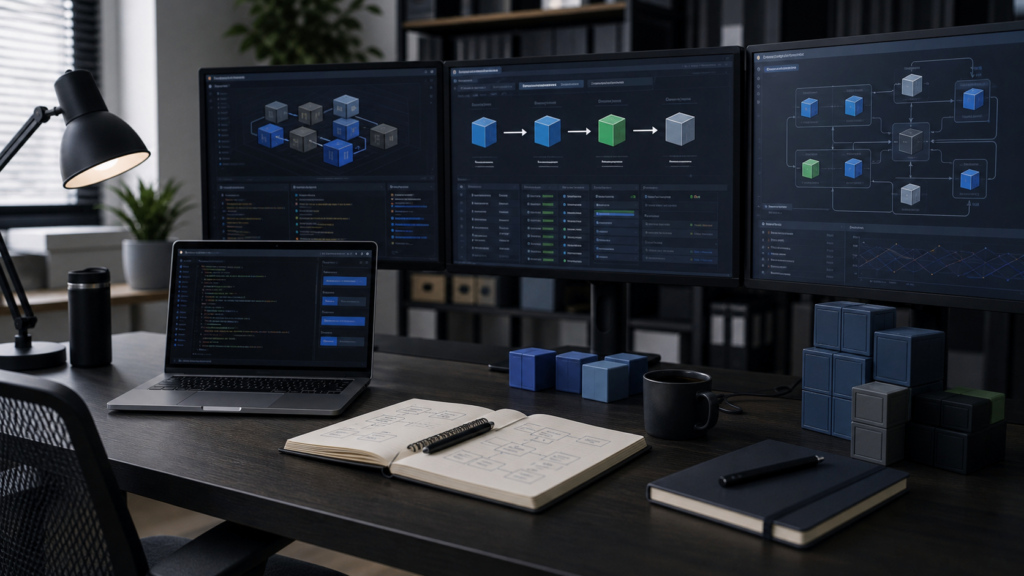
A Docker workflow is healthy when another qualified person can understand it, build it, deploy it, observe it, and recover it without relying on one person’s memory. The review should follow the application from source control to a running service, then continue through failure and restoration.
Start with the delivery path
Write down the repositories, Dockerfiles, Compose files, image registry, CI jobs, environments, approvers, runtime hosts, and rollback procedure. Mark every manual step. A manual step is not automatically wrong, but it should be visible, repeatable, and owned.
Review build reproducibility and provenance
- Use trusted, appropriately small base images.
- Keep build context clean with a deliberate
.dockerignore. - Separate build tooling from the runtime image with multi-stage builds where useful.
- Rebuild images regularly so patched dependencies are incorporated.
- Decide how image tags and digests balance reproducibility with timely updates.
- Build and test in CI, and preserve the commit, image digest, and build result.
Docker’s build guidance notes that tags can change while digests are immutable. Pinning a digest improves reproducibility, but it also creates an explicit responsibility to update that digest when a patched image is available. The control works only when ownership and update automation exist.
Inspect configuration and secrets
Separate environment-specific settings from the image. Confirm secrets are not committed to source, copied into image layers, echoed in logs, or stored in a shared Compose file. Identify where secrets are created, who can read them, how they are rotated, and what depends on them.
Review mounts carefully. Bind mounts can be convenient in development but may create production coupling or unintended write access. Document named volumes, host paths, permissions, retention, and backup coverage.
Compare development and production behavior
Docker recommends production-specific configuration for matters such as code mounts, ports, environment settings, restart policies, and logging. Use an override file or another controlled mechanism, then render the effective configuration during review:
docker compose -f compose.yaml -f compose.production.yaml configReview the rendered output for unexpected ports, privileged settings, broad network reach, mutable image tags, missing health checks, and production secrets. Treat it as deployment evidence.
Reduce runtime privilege and exposure
- Run application processes as a non-root user when supported.
- Avoid privileged containers and unnecessary Linux capabilities.
- Publish only required ports and document network boundaries.
- Consider Docker rootless mode where its prerequisites and limitations fit.
- Keep the engine, Compose plugin, host operating system, and images maintained.
Security is layered: a well-built image does not compensate for an exposed management socket, weak host access, or an unpatched engine.
Test deployment, observation, and rollback
A deployment runbook should state how to pull or build the intended image, validate configuration, apply database changes, recreate the necessary services, confirm health, and roll back. Test a representative deployment in a non-production environment and record the result.
docker compose config
docker compose pull
docker compose up -d
docker compose ps
docker compose logs --since 15m
Commands vary by environment; the review is about a controlled sequence and clear success criteria. Confirm where logs and metrics go, how alerts are routed, and which symptoms require a rollback.
Prove that state can be recovered
Inventory databases, uploads, configuration, certificates, and other persistent state. Confirm that backups include the necessary data and that a restore test can produce a working application. Recreating containers is not the same as recovering the service.
Review output
Finish with a short decision record: current architecture, material risks, accepted exceptions, prioritized work, owners, and dates. The best review reduces ambiguity for the next deployment instead of producing a pile of screenshots no one revisits.
Sources
- Docker Docs: Building best practices
- Docker Docs: Use Compose in production
- Docker Docs: Rootless mode
VesperTek can help document and review a container workflow when it has grown beyond an understandable build-and-deploy path.